Contents · Part 04 of 06
Basic OptionsBASICHeal OptionsBASICBuffsBASICCombat HealBASICParty SettingPARTYParty BuffsPARTYParty HealPARTYControl SettingPARTYAuto TradePARTYPathCOMBATPolicyCOMBATMons SettingCOMBATItems SettingCOMBATPets SettingCOMBATOther PlayerOTHERNames SettingOTHERAI AnswerOTHERShop SettingOTHERSound AlertsOTHER
Path & combat range
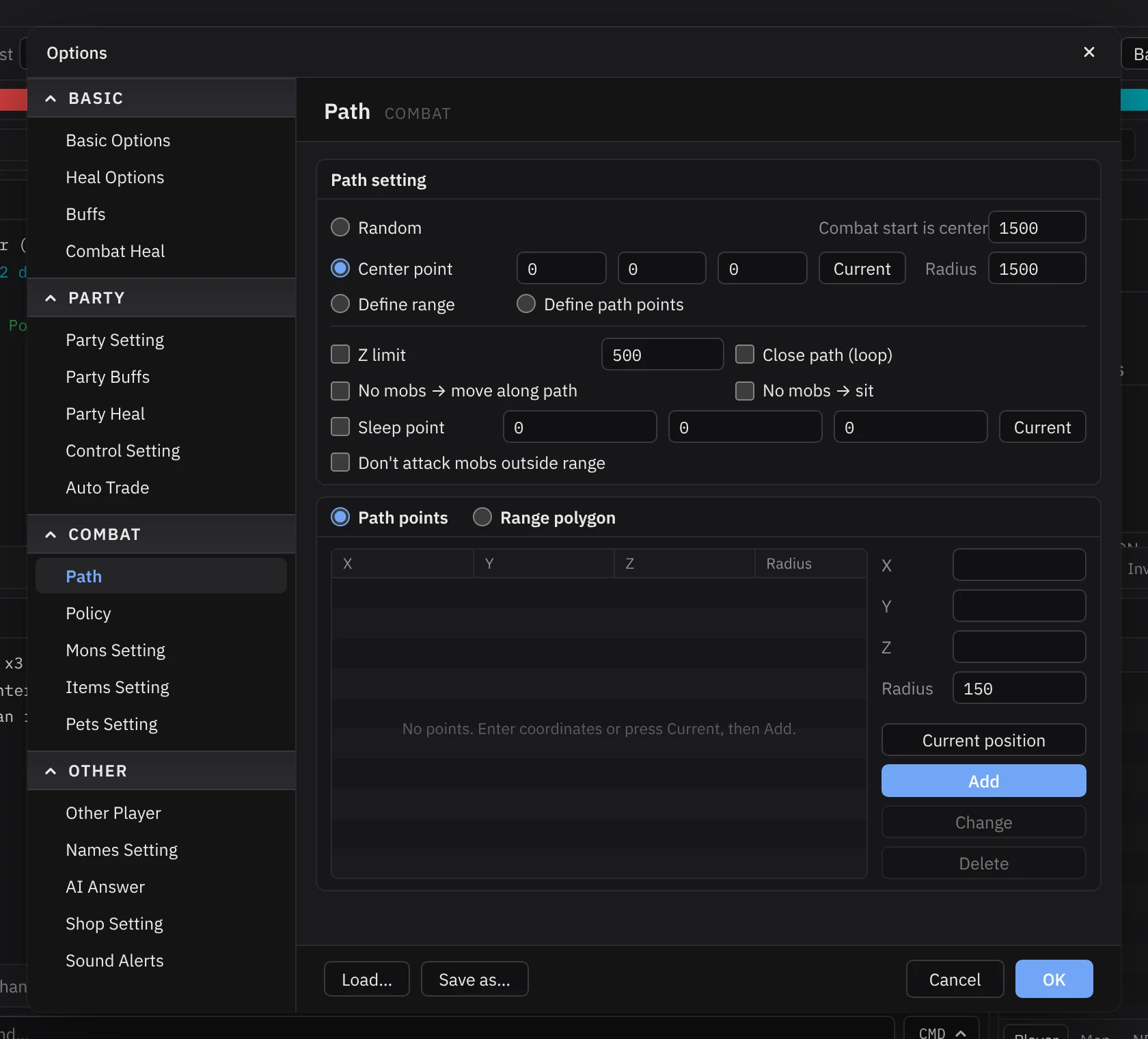
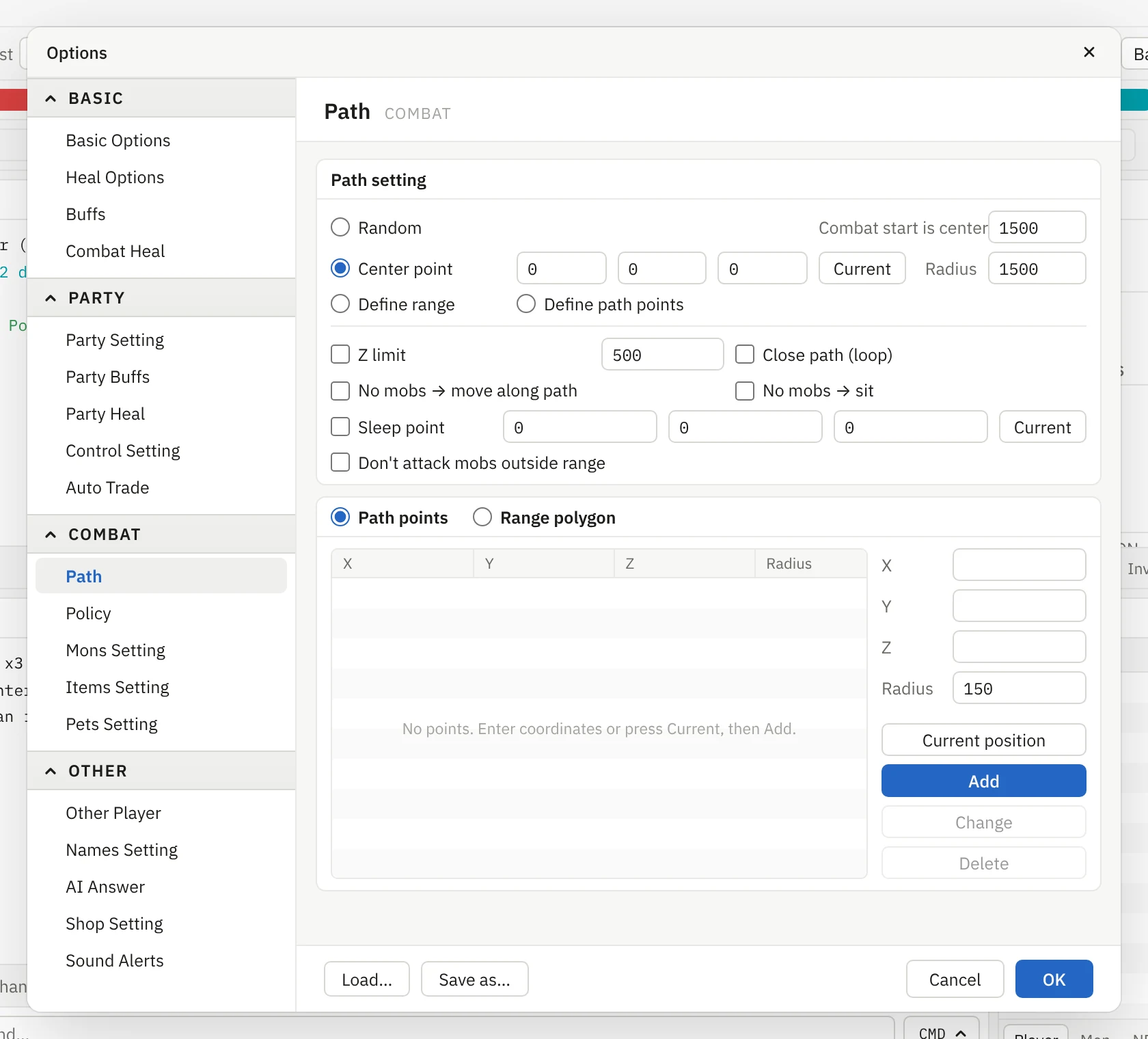
The Path panel decides where your character hunts — freely across the map, or inside a circle around the spot where you pressed Begin Combat.
Options on this panel
| Option | What it does | Level |
|---|---|---|
| Random | Wander at random and attack monsters as they come into view. | Expert |
| Center point | Fight inside a circle. Press Current to use where you stand, then set the Radius. | Basic |
| Combat start is center | Use the spot where you pressed Begin Combat as the centre, with this radius. | Basic |
| Define range | Draw your own hunting area as a Range polygon of points. | Advanced |
| Define path points | Walk a route of Path points and fight along it. | Advanced |
| Z limit | Ignore monsters too far above or below you — useful on hills and in towers. | Basic |
| Close path (loop) | After the last point, walk back to the first one. | Advanced |
| No mobs → move along path | When nothing is in range, move to the next path point. | Advanced |
| No mobs → sit | Sit and regenerate while waiting for respawns. | Basic |
| Sleep point | A safe spot to go back to; set it with Current. | Advanced |
| Don’t attack mobs outside range | Never chase targets out of your circle or polygon. | Basic |
Start with a centre point
Random roaming is hard to control. Start with Center point and a small Radius. Turn on Combat range in Virtual Map to see the circle, then widen it once the walker behaves.
Did this part help?