Install & activate your license
Five minutes from download to Licensed. Keep your license key from the email or My licenses ready.
- 01Download and install
Get the installer for your system on the Download page and install it outside the game folder. From then on L2Walker updates itself on launch.
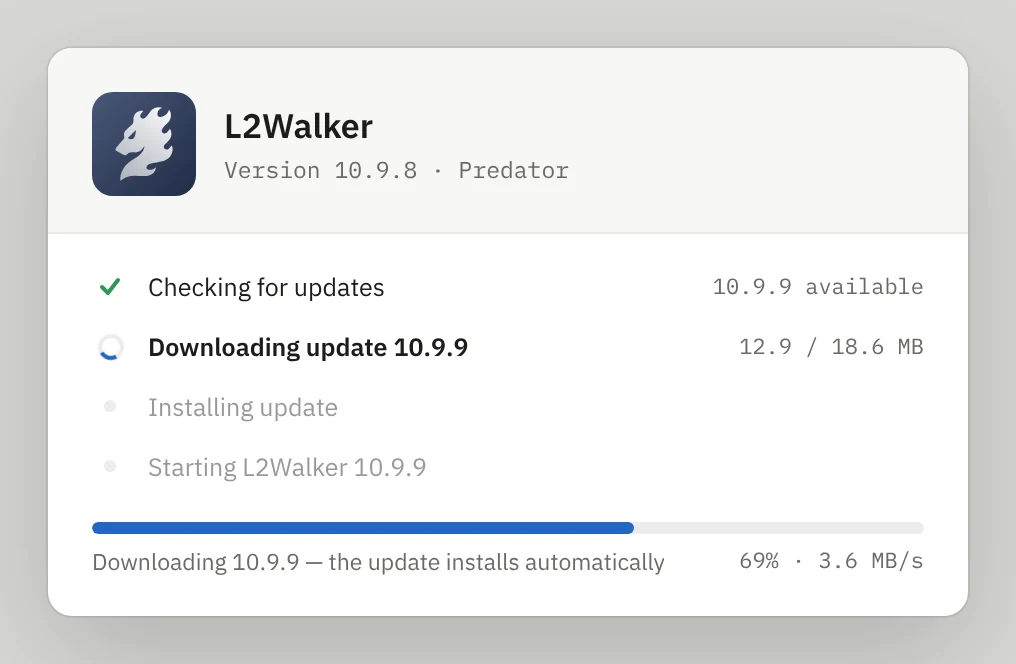
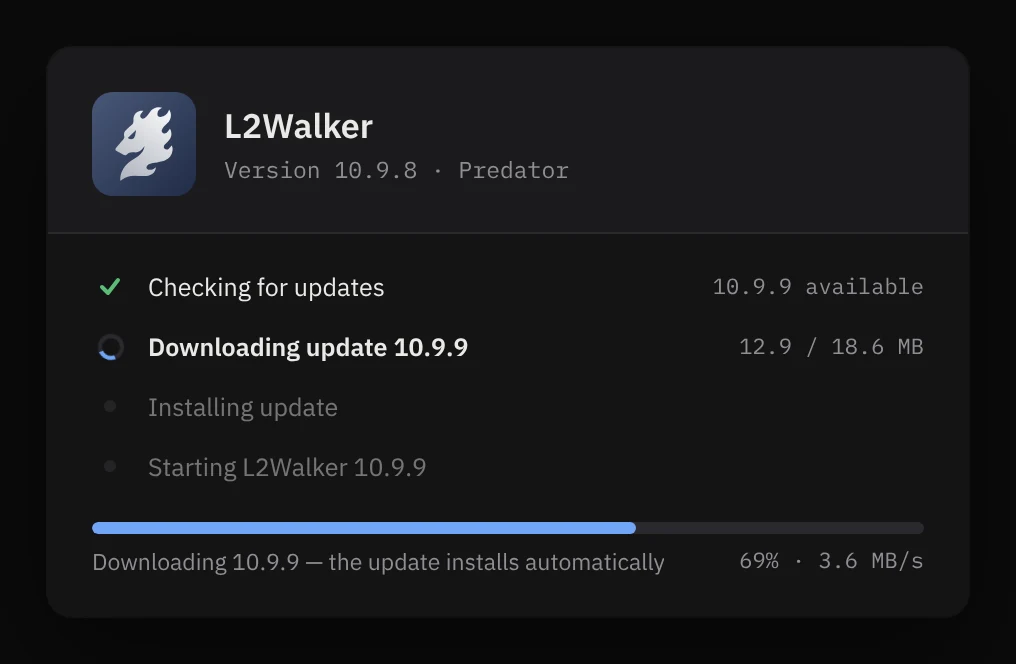
The built-in updater on first launch - 02Open Register License…
Start L2Walker. In the menu choose System › Register License…
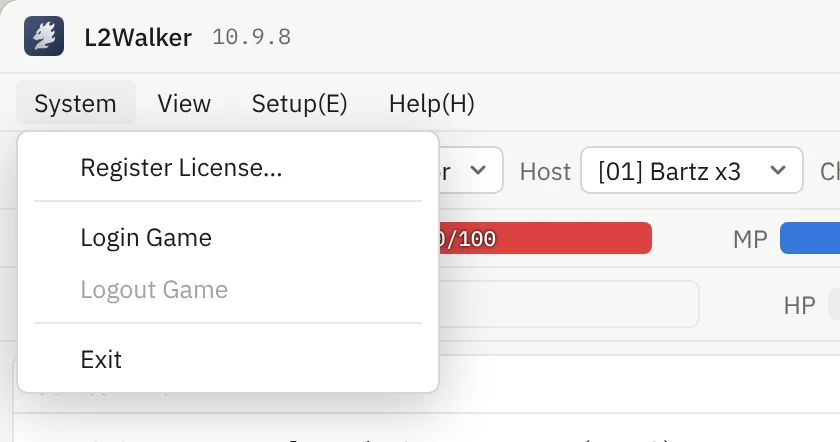
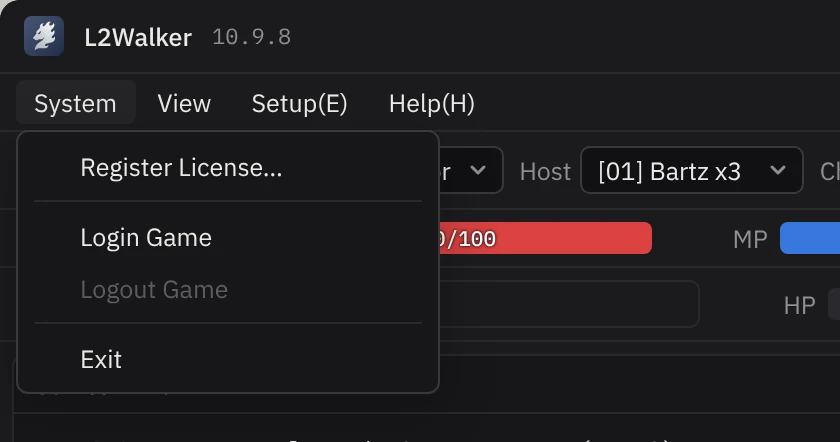
System › Register License… - 03Paste your code and press Activate
Paste the license code exactly as it is in the email. This computer is bound to the code at this moment.
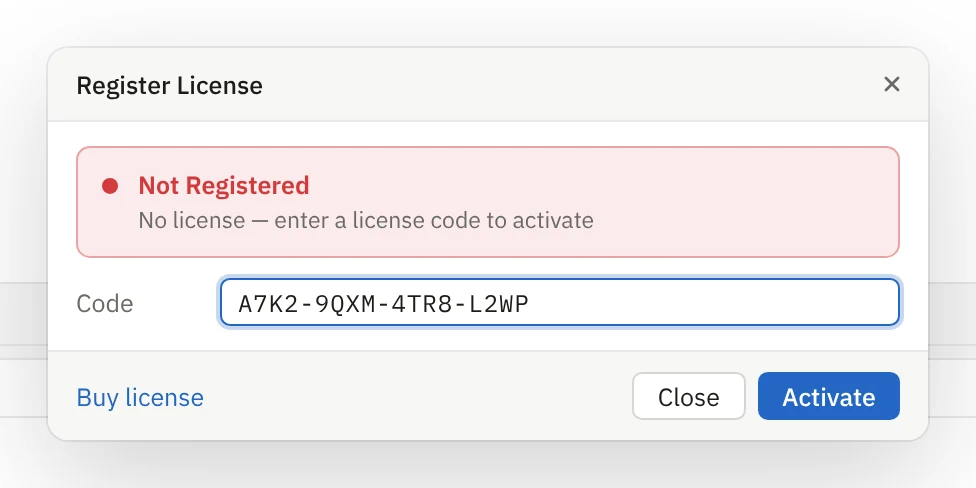
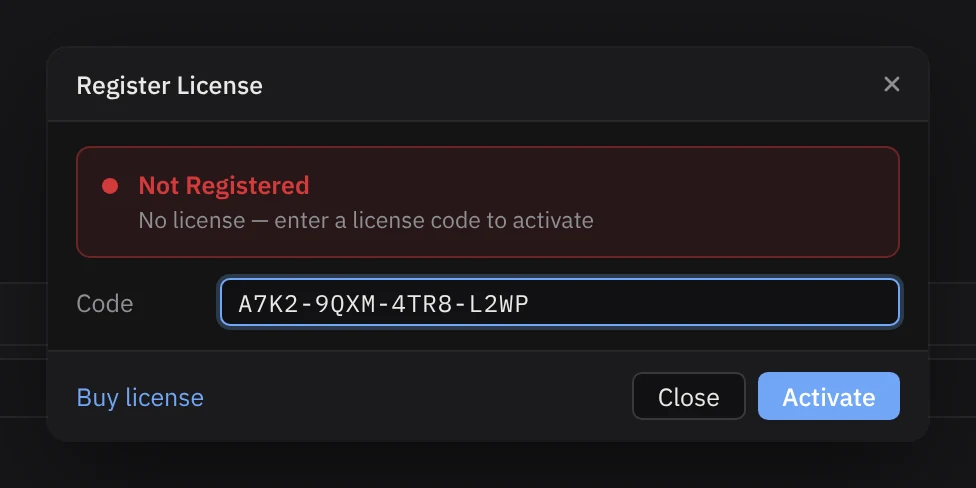
Register License dialog - 04Check the status bar
The red “Not Registered” at the bottom of the window turns into a green “Licensed”. View › RegisterQuery shows the expiry date.




Before and after activation - 05Log in to the game
Choose character, server and host in the toolbar, then press Login and Begin Combat.


Toolbar
If activation fails
[ERR] Key already used on another computer
Open My licenses, press Reset PC binding, then register again on this computer.
[ERR] Key expired
Renew the license in My licenses. The key stays the same — register it again.
[ERR] Cannot reach the license server
Check that your firewall allows L2Walker. The footer of this site shows if the server is online.
[ERR] Invalid key
Copy the key again without spaces. Keys look like XXXX-XXXX-XXXX-XXXX.